
Video enhancement
Enhance video directly on your device.
Improve blurry or low-quality video and upscale 480p or 720p sources toward 4K output.
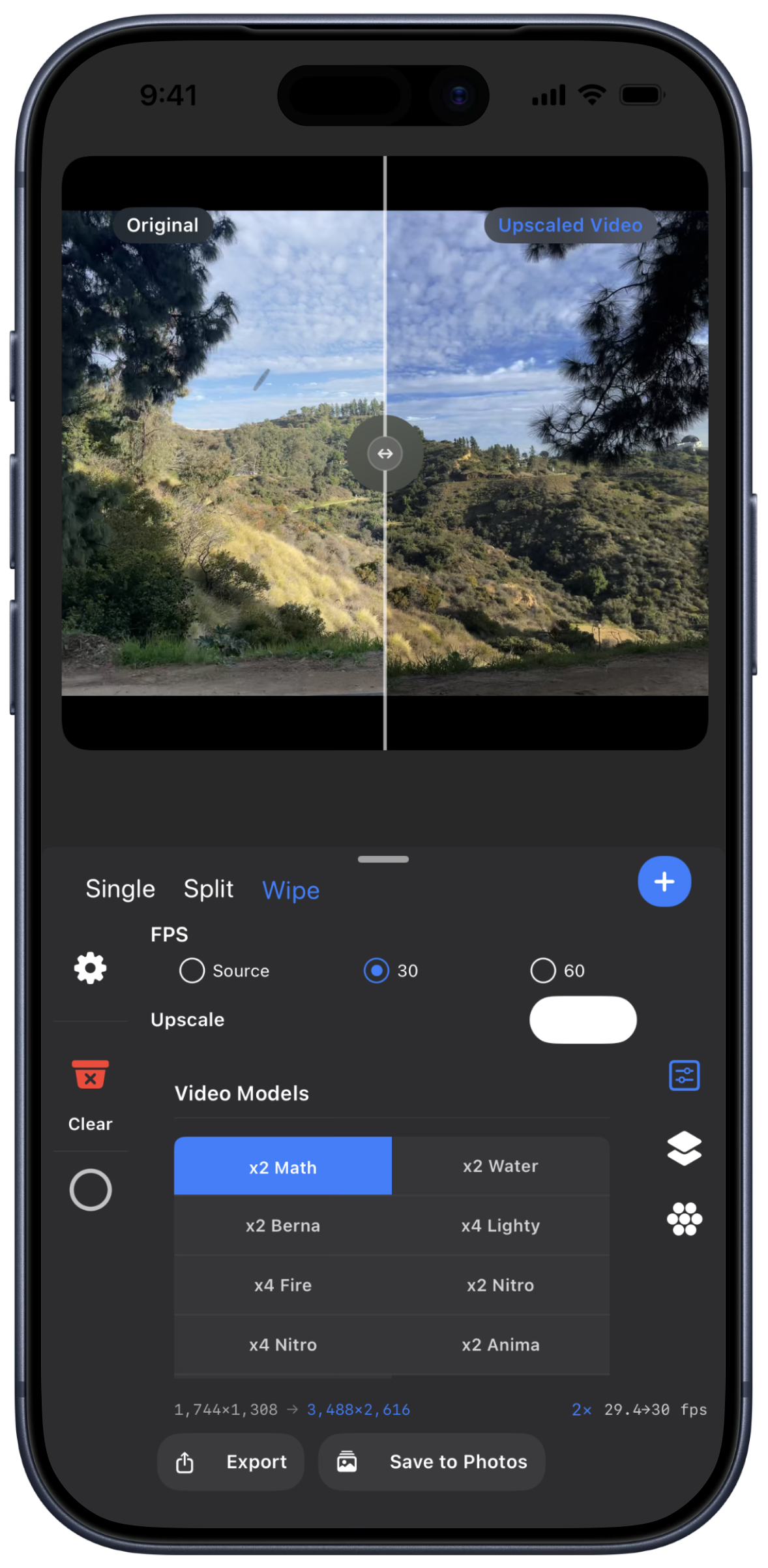
Video workspace
Adjust AI Strength, brightness, contrast, saturation, and sharpness, then compare the result before saving.
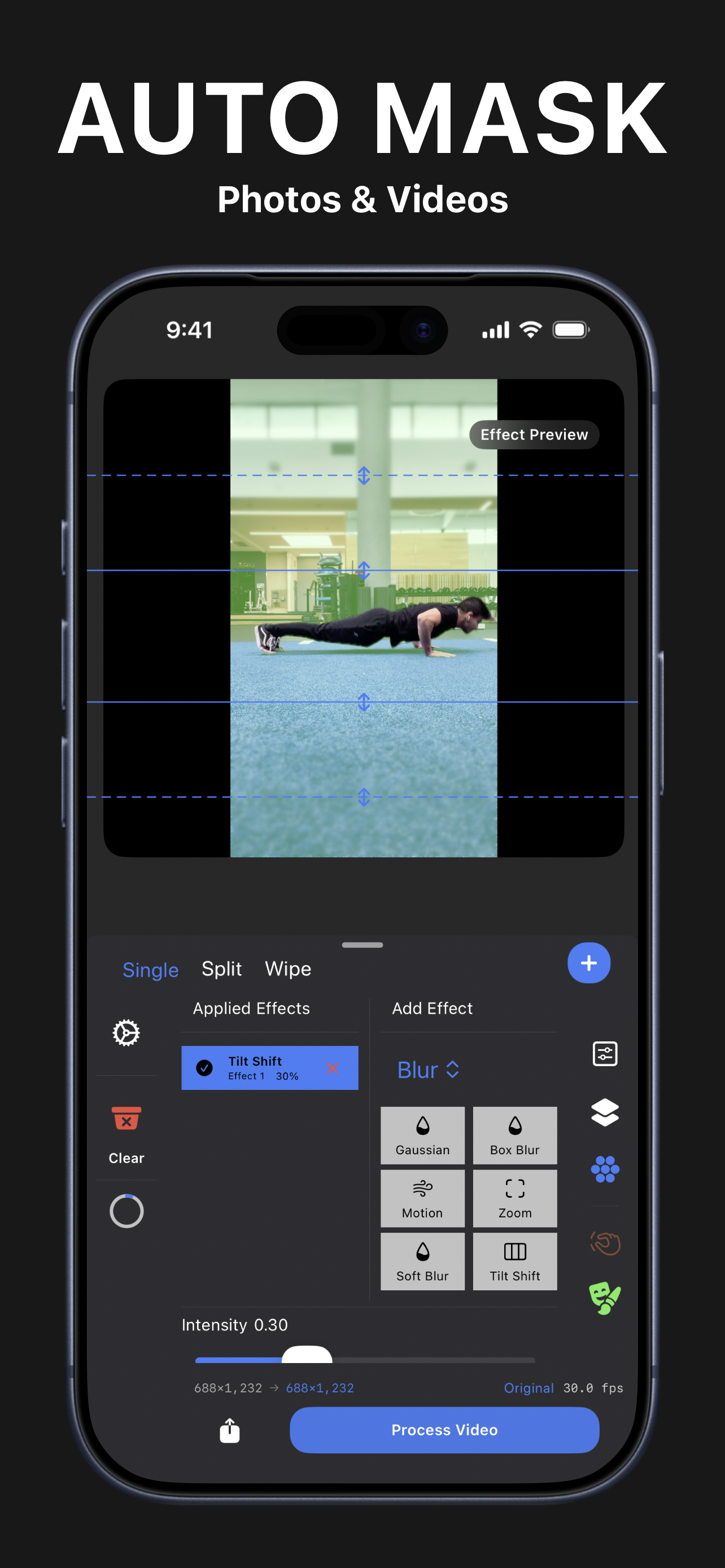
Video enhancement
Enhance video privately without uploading it to a remote processing service.
Enhance video directly on your device.
Improve blurry or low-quality video while keeping the workflow private.
Upscale suitable 480p and 720p sources toward 4K output.
Video controls
Fine-tune the enhancement, then compare it with the source before saving.
Control how strongly the enhancement changes the source.
Adjust brightness, contrast, saturation, and sharpness before saving.
Use Single, Split, or Wipe view to compare the source with the result.