
Enlarge a small photo
Choose 2x or 4x upscaling, compare edge quality and texture, then save at the size you need.
Starting points for photo upscaling, JPEG cleanup, batches, adjustments, and video.
Common jobs
Choose 2x or 4x upscaling, compare edge quality and texture, then save at the size you need.
Use JPEG Cleanup when block artifacts and ringing are the problem. Finish with restrained sharpening instead of enlarging by default.
Add multiple images to batch mode and apply consistent enhancement settings.
Use the Anime model for illustrated sources, then compare line work at the intended viewing size.
Adjust AI Strength, brightness, contrast, saturation, and sharpness to suit the source.
Improve blurry or low-quality video, compare the result, and save it when it looks right.
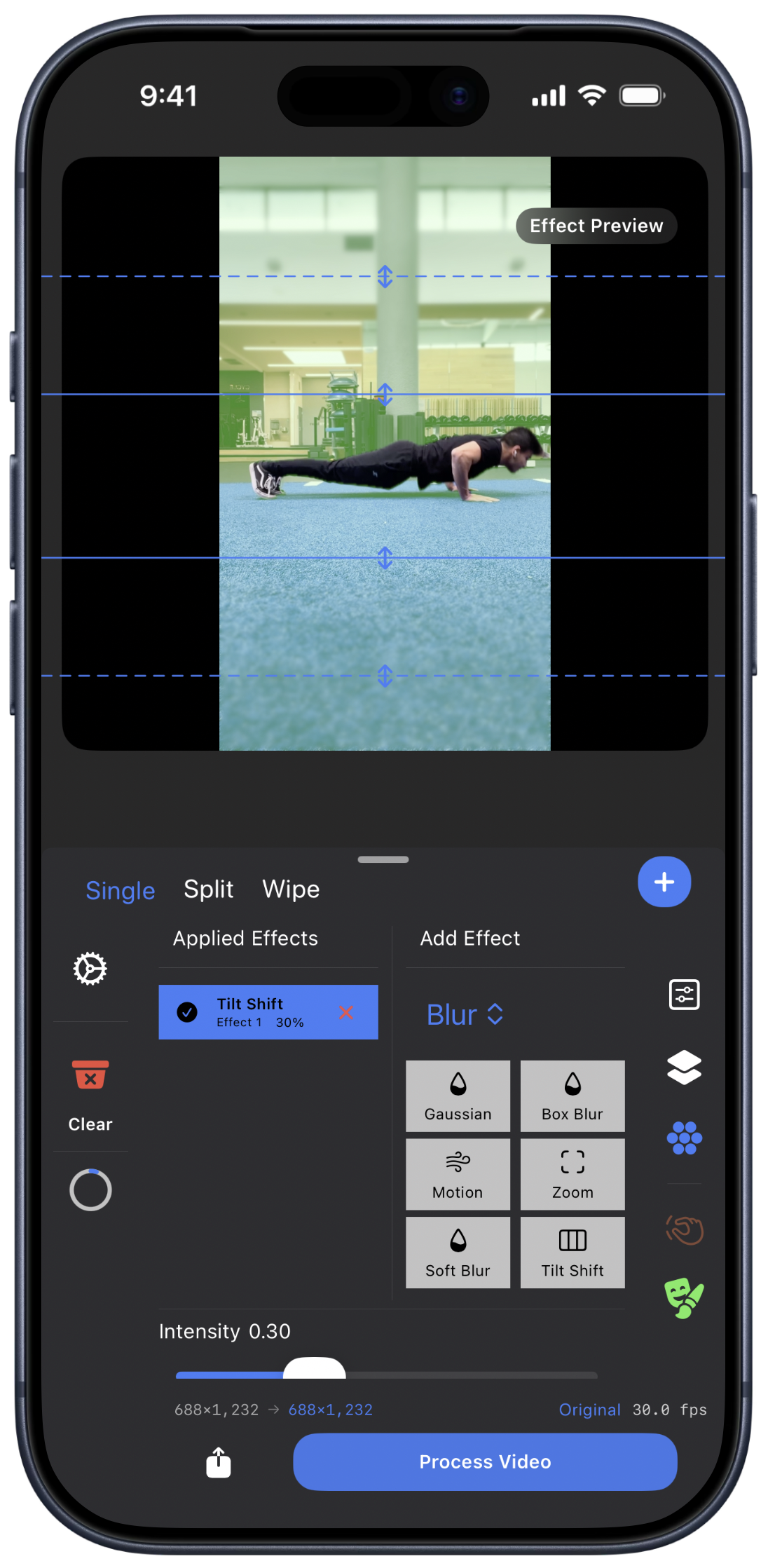
Use Single, Split, or Wipe view to check the original and enhanced result.